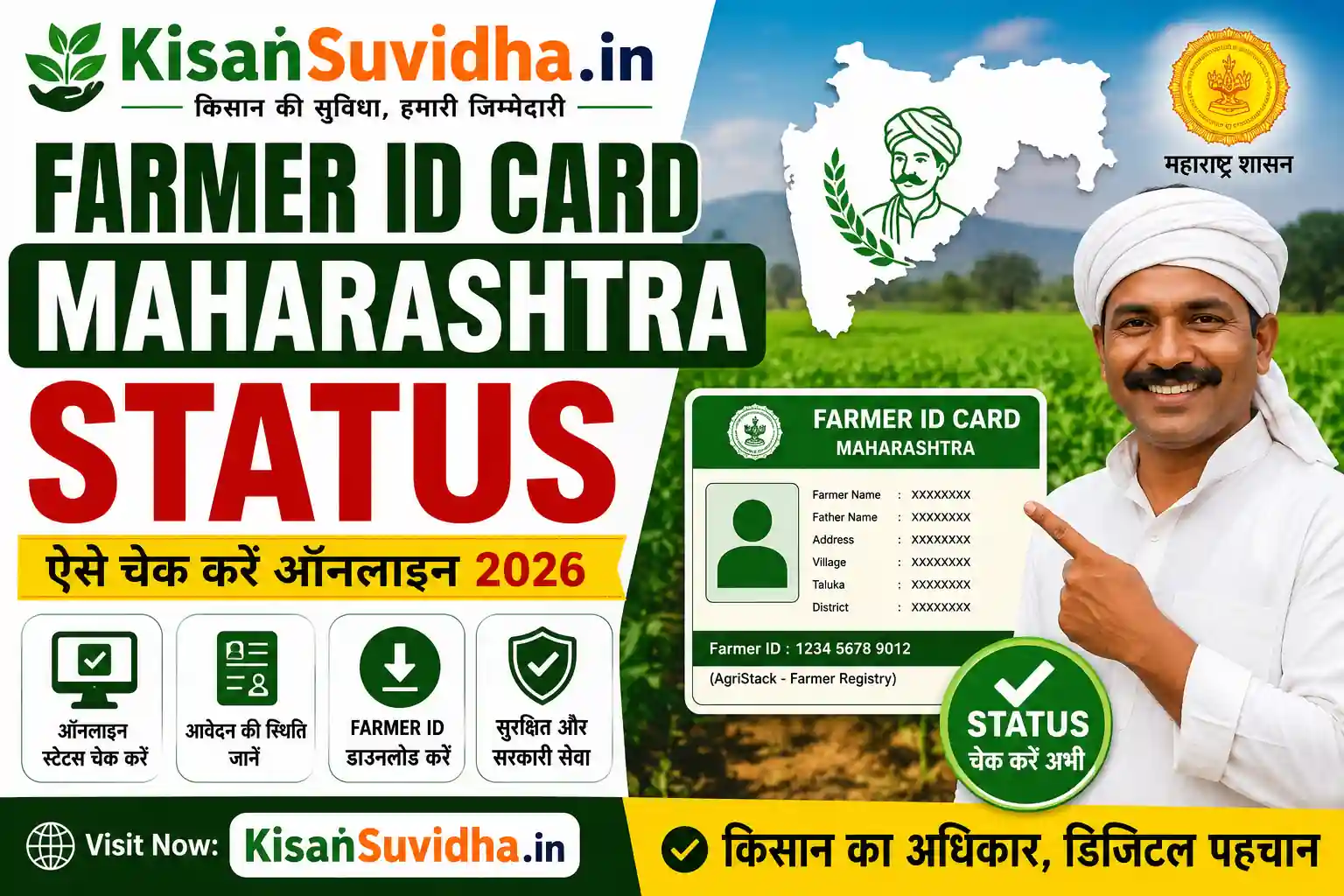
If you have applied for a Farmer ID Card (Farmer Registry/AgriStack) in Maharashtra, you can easily check your application status online. The official Maharashtra Farmer Registry portal allows farmers to track whether their application is Submitted, Under Verification, Approved, or Rejected.
How to Check Farmer ID Card Maharashtra Status
- Visit the official Maharashtra Farmer Registry portal.
- Click on Check Enrollment Status.
- Enter your Aadhaar Number, Enrollment ID, or registered Mobile Number.
- Complete the OTP/Captcha verification.
- Your Farmer ID application status will appear on the screen.
Application Status Meaning
| Status | Meaning |
|---|---|
| Submitted | Application has been received. |
| Under Verification | Documents and land records are being verified. |
| Approved | Farmer ID has been generated. |
| Rejected | There is an issue with the application or documents. |
What to Do if Status is Pending?
- Wait for the verification process to complete.
- Ensure your Aadhaar and land records are correct.
- Visit the nearest CSC or Agriculture Office if the status does not change for several days.
FAQs
Q1. Can I check Farmer ID status using Aadhaar?
Yes, you can check the status using your Aadhaar number or Enrollment ID.
Q2. How do I download my Farmer ID?
After approval, log in to the Farmer Registry portal and download your digital Farmer ID.
Q3. What if my application is rejected?
Correct the required details or documents and reapply through the portal or a CSC center.
Official Portal: https://mhfr.agristack.gov.in