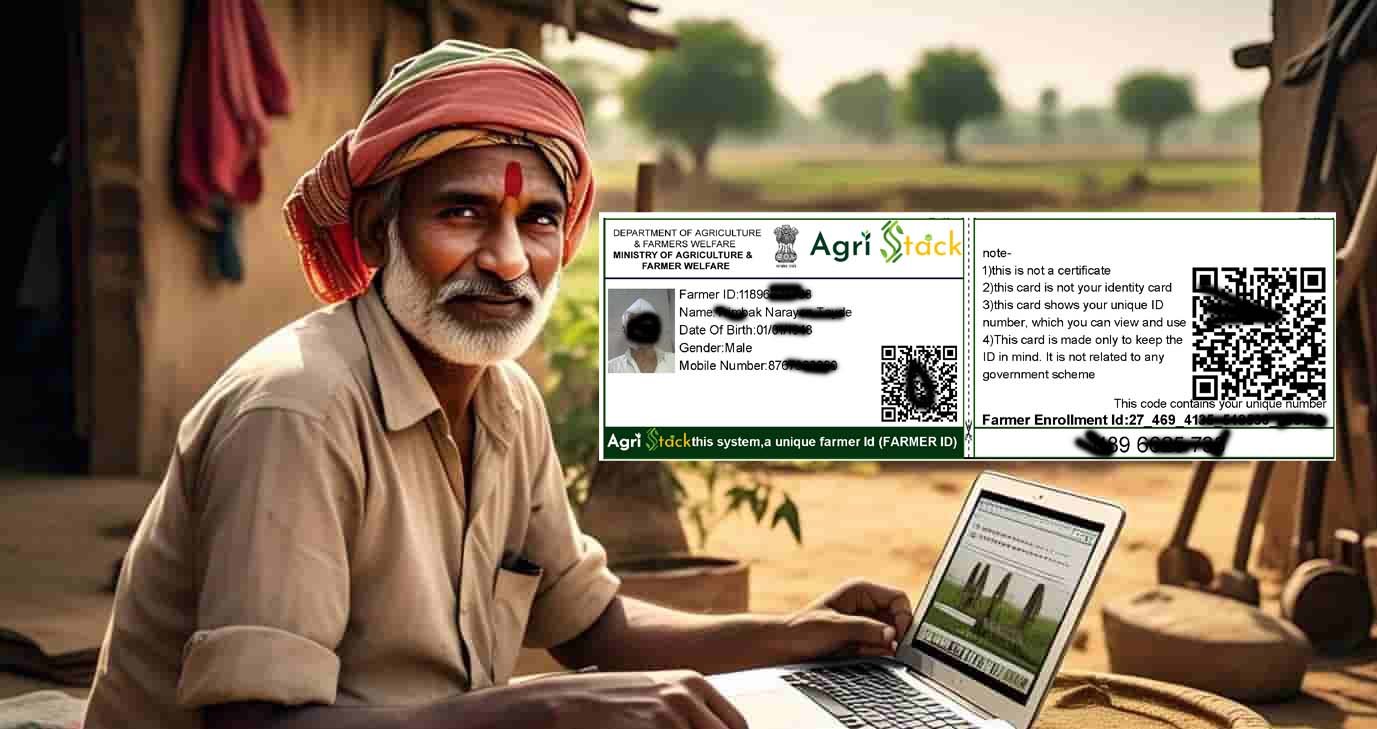
फार्मर आयडी डाउनलोड करने के लिए संपर्क करे Whatsapp करे typ hi to +91 9420904646
✅ Form भरने और Payment करने के बाद आपका Farmer ID Card PDF WhatsApp पर भेज दिया जाएगा।
फार्मर आयडी register हि सुविधा मोफत आहे कोणत्याही सेतू केंद्र चालकाला पैसे देऊ नःये
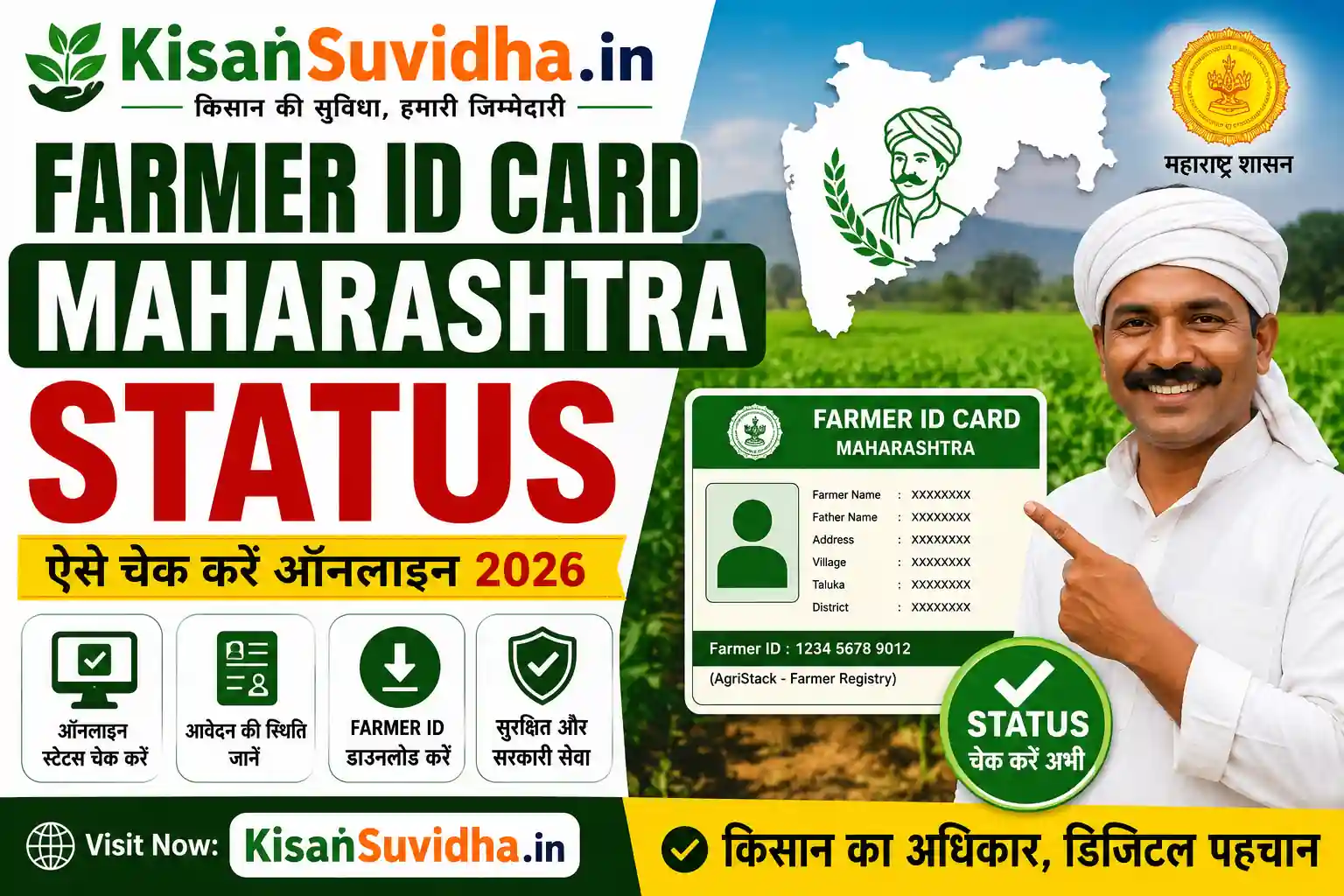
Why is the Farmer ID Important?
| Feature | How It Helps Farmers |
|---|---|
| Access to PM-KISAN Payments | Ensures eligibility for ₹6,000 annual financial aid. |
| Apply for Kisan Credit Card (KCC) | Helps farmers get loans at low-interest rates. |
| Crop Insurance & Subsidies | Required for PM Fasal Bima Yojana (PMFBY) and other schemes. |
| Direct Benefit Transfer (DBT) | Ensures government subsidies reach farmers directly. |
| Land Record Verification | Links your Khasra-Khatauni land records with your ID. |
Without a Farmer ID, you may miss out on government benefits, subsidies, and financial aid.
How to Check Your Farmer ID Online (Step-by-Step Guide)
Step 1: Visit the AgriStack Farmer Registration Portal
Each state has its own Farmer Registration Portal under AgriStack. Below are the official links:
| State | Farmer ID Check Portal |
|---|---|
| National Portal | AgriStack.gov.in |
| Uttar Pradesh | upfr.agristack.gov.in |
| Madhya Pradesh | mpfr.agristack.gov.in |
| Rajasthan | rjfr.agristack.gov.in |
| Chhattisgarh | cgfr.agristack.gov.in |
| Bihar | bifr.agristack.gov.in |
Make sure you visit the correct portal for your state.
See also CSC Kisan Farmer Registry: How to Apply for Kisan Card and AgriStack in UP
Step 2: Click on “Check Farmer ID / Track Status”
- On the homepage, look for the “Farmer ID Search” or “Track Registration Status” option.
- Click on it to proceed.
Step 3: Enter Your Aadhaar or Mobile Number
- You will need to enter one of the following details:
Aadhaar Number (Preferred)
Mobile Number (Registered with AgriStack)
Application/Registration Number (If available)
Tip: Make sure your mobile number is linked with Aadhaar for easy verification.
Step 4: Complete OTP Verification
- After entering your details, click “Get OTP”.
- You will receive an OTP (One-Time Password) on your registered mobile number.
- Enter the OTP and click “Submit”.
If you don’t receive an OTP, wait for 5 minutes and try again.
Step 5: View & Download Your Farmer ID
- Once verified, your Farmer ID and registration details will be displayed on the screen.
- You can also download the Farmer ID PDF for future use.
Keep your Farmer ID safe, as it will be needed for PM-KISAN, KCC, and other schemes